




Make the color of the windows change depending on the web you visit
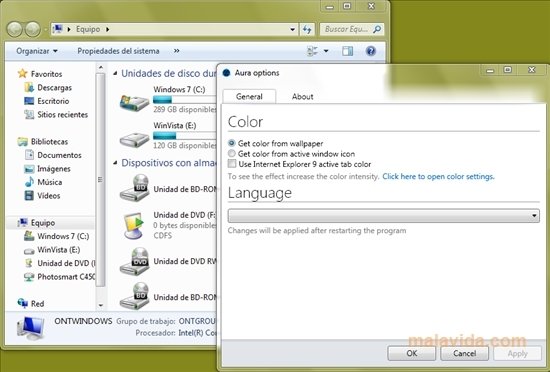
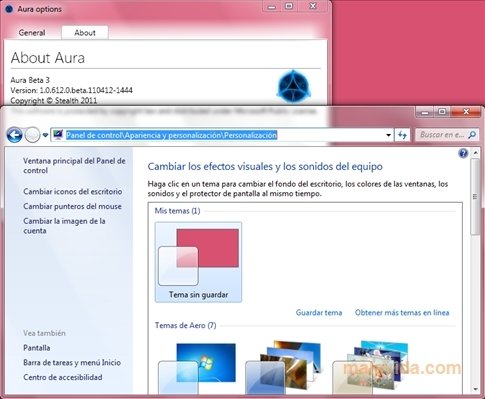
Aura is a small application with which you will be able to check a feature for the new Windows 8 on your Windows Vista or 7. With it, the windows of the operating system will change color depending on the desktop wallpaper that you are using, depending on the icon of the active window, and you can even browse the Internet and that your window changes depending on the website that you are visiting.
Improve the aspect of your Windows
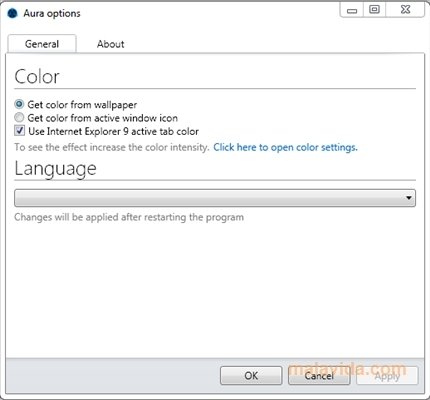
If you have to try this new function that Windows 8 will include, you only have to download Aura, and launch the application. A small icon will appear in the system tray and you will have to click with the right button and choose the options. You have access to three functions: that the windows use the dominating desktop color, from the window's icon and what's more, you can activate the option to use the dominating color from the active Internet Explorer 9 active tab.
Aura allows the Internet Explorer 9 window to change color depending on the page that you are visiting. For the changes to take place you'll have to close Aura completely and launch it once again.
Try the new feature of Aero for Windows 8 before anyone else. Download Aura and customize Windows' windows.
Requirements and additional information:
- Minimum operating system requirements: Windows Vista.
 Antony Peel
A Telecommunications Engineer, chance led me to the translation industry, where after a few years, I discovered another side of the world of technology while translating what others were writing about mobile applications and software. That...